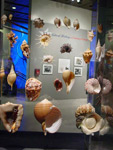
The
shells were individually at pretty low resolution, so
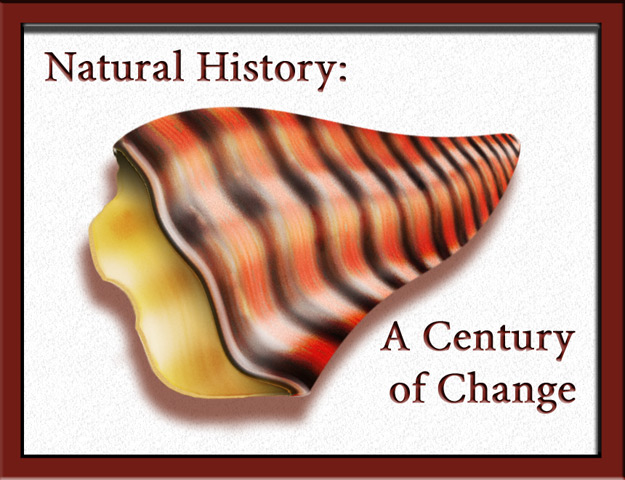
I decided to try to make one of my own. I started by selecting
foreground and background colors from one of the shells
and then made alternating horizontal bands of color. I
added some white color noise and applied a wind filter,
then made some white bands perpendicular to the first
bands. I then applied a distort>wavy filter, and used
a perspective transform to make a progression of smaller
to larger bands. I selected a triangular section of this
and added light and dark contours by painting in white
and black on a 50% gray layer set to overlay. The inside
of the opposite side of the shell was made in much the
same way with different colors. I use liquify to bend
the corners of the top layer around the inside.
The
text is from the display in the background of the original.
The font is Minion Pro with an emboss layer style.